How many digits are there in pi?

MP 163: Probably not as many as you think!
Many of us who marvel at the wonder of mathematical constants just enjoyed another pi day. This year's celebration had me thinking about how we decide how many digits of pi to use whenever we're working with that number.
Without checking, and without reading ahead, what's your answer to this question:
How many digits are included when you call math.pi?I'll share a bit of my history with pi in Python, and then I'll answer this question.
Reading from a file
When I was first drafting Python Crash Course, I wanted to teach people how to read from a text file. I ended up thinking about the digits of pi, and was curious to find files containing lots of digits of pi. I wanted to start with a small file, so this is the first file I had people work with:
3.1415926535
  8979323846
  2643383279
This file contains pi to 30 decimal places. The first program went like this:
from pathlib import Path

path = Path(__file__).parent / "pi_digits.txt"
contents = path.read_text(encoding="utf-8").rstrip()
print(contents)
This reads in the file, and prints the contents to the screen exactly as they're stored in the original file pi_digits.txt. The next step was to read from the file, and transform the contents to remove all spaces and line breaks:
from pathlib import Path

path = Path(__file__).parent / "pi_digits.txt"
contents = path.read_text(encoding="utf-8")

lines = contents.splitlines()
pi_string = ""
for line in lines:
    pi_string += line.lstrip()

print(pi_string)
print(len(pi_string))
After running this program, you get pi to 30 decimal places:
$ python pi_string.py
3.141592653589793238462643383279
32
There are 32 characters in this output string; 30 decimal places, plus the leading 3 and the decimal point.
A million decimal places
I was never taken with the urge to memorize pi to more than 10 decimal places, but I was curious to see what pi to a million decimal places looks like. I found a text file with all those digits, and it was structured like this:
3.1415926535897932384626433832795028841971693993751058209749445923078164062862089986280348253421170679
  8214808651328230664709384460955058223172535940812848111745028410270193852110555964462294895493038196
  4428810975665933446128475648233786783165271201909145648566923460348610454326648213393607260249141273
  ...
Rather than having one line of a million characters, the text file I found included 100 decimal places per line, spread across 10,000 lines. Reading from that data file, we can create a string containing pi to one million decimal places:
from pathlib import Path

path = Path(__file__).parent / "pi_million_digits.txt"
contents = path.read_text(encoding="utf-8")

lines = contents.splitlines()
...

print(f"{pi_string[:52]}...")
print(len(pi_string))
All that's changed here is the data file we're reading from, and how many digits we're actually printing:
$ python pi_string.py
3.14159265358979323846264338327950288419716939937510...
1000002
I've truncated the output for this post, but you're welcome to remove the slice from the first print() call and watch a million digits scroll by in your terminal window. It doesn't take long:
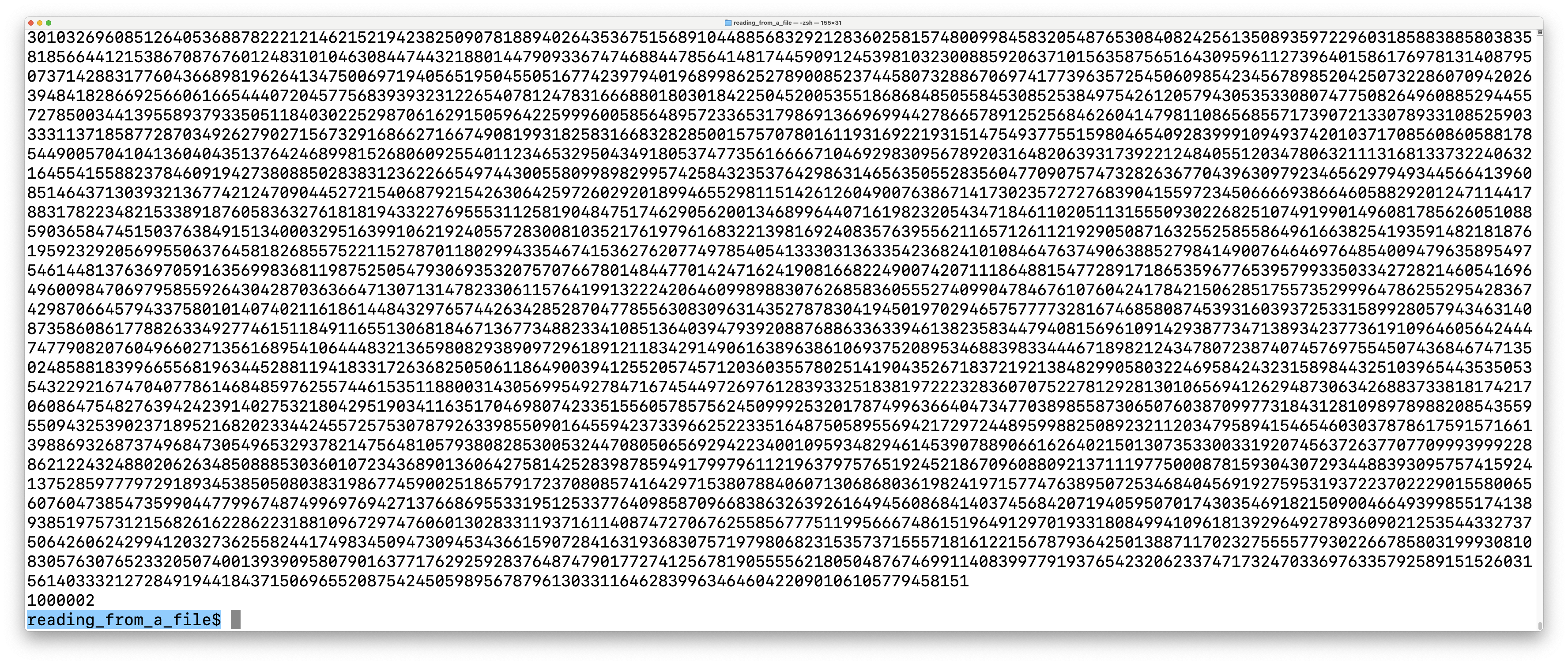
That's fun! And way easier than memorizing a million digits.
Python's math.pi
Of course, you don't need to read from a text file if you want to work with pi in a Python script. You can use math.pi. On pi day this year I was thinking back to these examples from Python Crash Course, and it made me wonder how much precision I'd see when using math.pi. I knew it wouldn't have a million digits, but I wondered if I'd see more than 30.
So, one last chance to make your own guess:
How many digits are included when you call math.pi?Here's the answer for me:
>>> import math
>>> math.pi
3.141592653589793
That's 15 decimal places. Let's poke at it a little bit:
>>> type(math.pi)
<class 'float'>
It's just a float. That means the precision I'm seeing for math.pi comes from how floats are represented, rather than anything inherent to the value of math.pi.
Let's try to store our own version of pi, with more precision:
>>> my_pi = 3.141592653589793238462643383279
>>> my_pi
3.141592653589793
If I try to store a version of pi with 30 decimal places, from the string output of the earlier example, I only keep 15 decimal places. Again, this is tied to the overall precision of floats.
Reflecting on precision
When I ran this code recently, I realized that I had done this before. I studied physics in undergrad, and we always talked about significant digits, and how an arbitrary number of digits doesn't necessarily mean your answer is more precise. Most of our work involved just two or three significant digits, because that was the accuracy of the least accurate number in most problems. I've looked at pi off and on over the years, and I'd forgotten how few digits we usually work with.
There are many articles about how many digits of pi are needed for a variety of real-world applications. A good one to refer to is from NASA's JPL, where they use pi to calculate the position of the Voyager space probes. Those are the farthest man-made objects from Earth, so that's a pretty extreme example of a need for precision.
NASA uses just 15 decimal places to track Voyager's position. At that distance, 15 decimal places gets them to within a half-inch of accuracy. There's another discussion on that page that states they only need about 37 decimal places when they're making calculations out to the edge of the universe. That's more than 15, but far less than the million digits we looked at earlier.
Conclusion
I always enjoy how a reasonable fluency with Python lets us explore all aspects of the world around us. Next pi day, break out a Python interpreter and start playing with these kinds of numbers, especially if you've never done this kind of work before.
It's also worth mentioning that there's nothing special about Python in this discussion. Python handles precision in much the same way other modern programming languages do. It's a balance between how well we can represent numbers in binary, and how much precision is needed for most real-world calculations.